Content Testing
7 things brands can do with the AI Visual Builder
In the past few weeks, we've seen brands use our AI Visual Builder for everything from simple copy swaps to complex frontend logic.

Shailee Shah

In the past few weeks, we've seen brands use our AI Visual Builder for everything from simple copy swaps to complex frontend logic.
Here are seven things brands are doing right now.
Show a badge that tracks variant-level state.
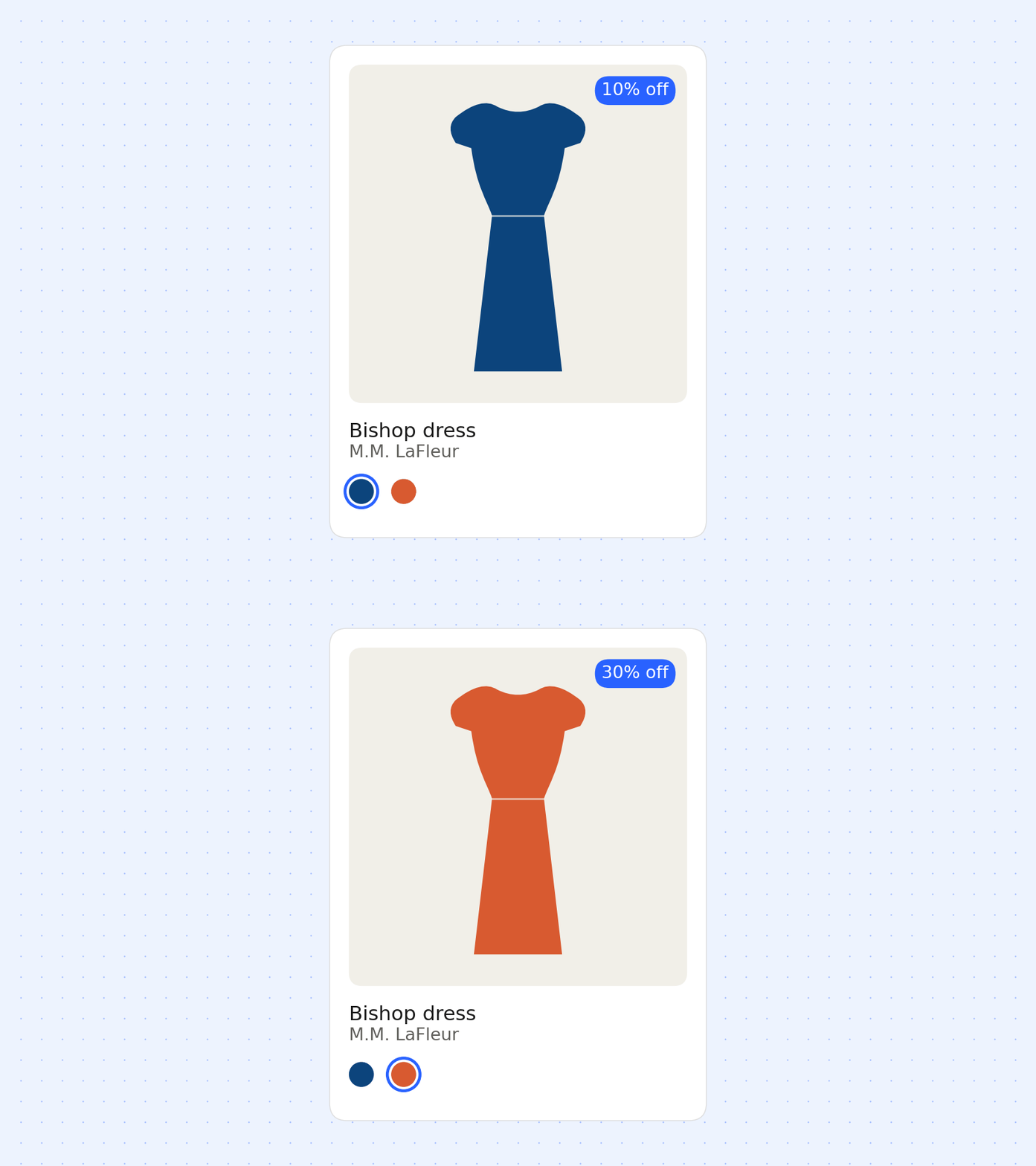
A "Sale" badge sounds simple until it needs to appear on some products but not others, and stay accurate as a shopper switches colorways.
M.M. LaFleur was running five overlapping sale collections at once, each at a different discount tier. They needed a badge that could tell which collection a product belonged to and show the right one. The Visual Builder writes CSS that checks each product against those lists and automatically shows the correct badge.
"It's crazy how much the AI Visual Builder can do... we had five collection discounts running at once, one at 10%, 20%, 30%, 40% and 50% off, and she kept them all straight." — Anna Senchak, M.M. LaFleur
Assign badges based on live store data.
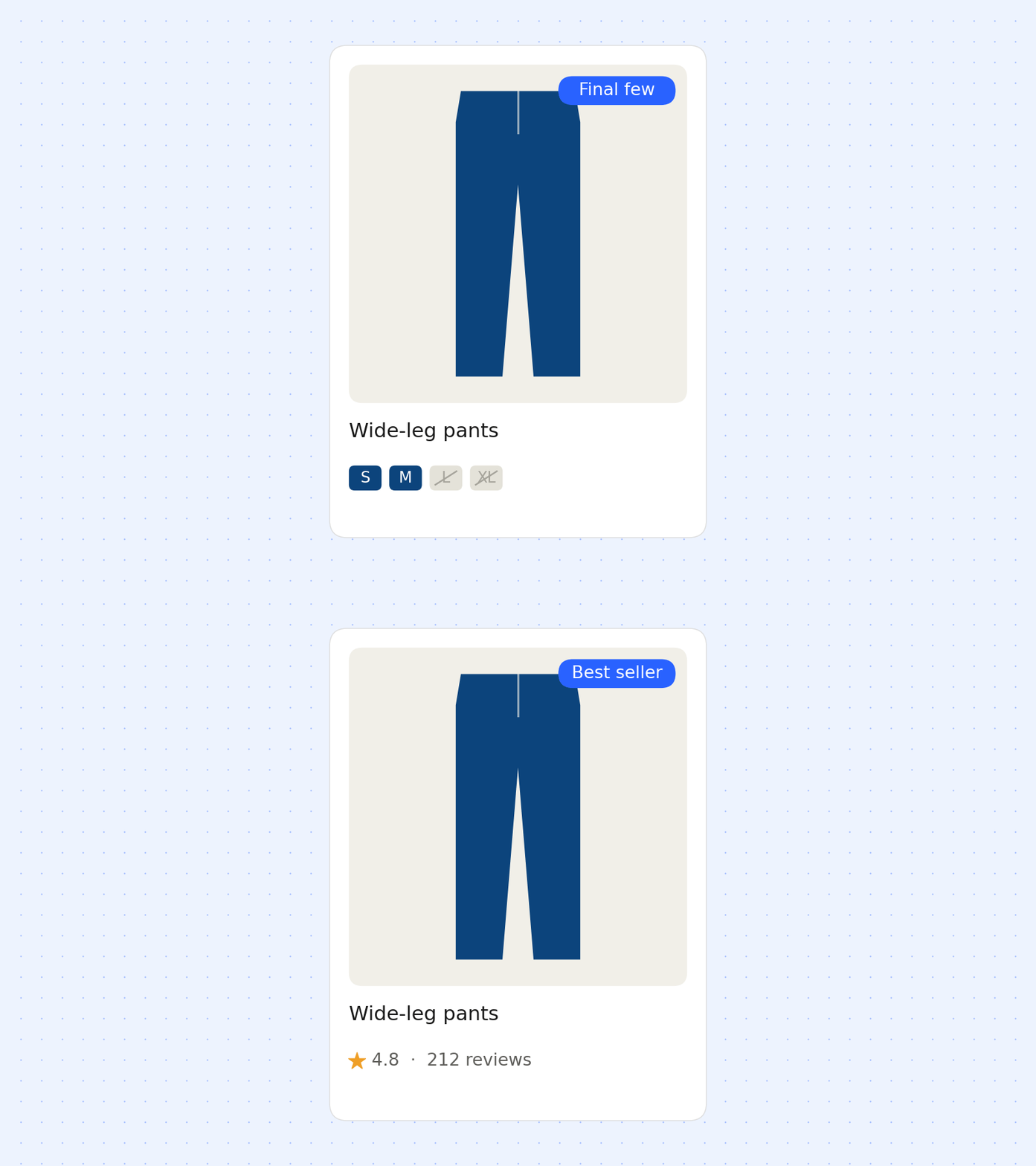
Most badges are hardcoded: a "Best Seller" label someone has to add and stay on top of manually. The Visual Builder can pull from data that's already true on your site instead: review counts, size availability, collection membership.
One pattern we've seen is a "Final Few" badge that only shows when fewer than half a product's sizes are still in stock, checked against live inventory rather than a static rule. Another: a "Best Seller" badge applied automatically based on which products in a collection have the most reviews.
The badges update as the underlying data changes, instead of someone going back in to edit labels by hand.
Update copy across an entire collection in a single prompt.
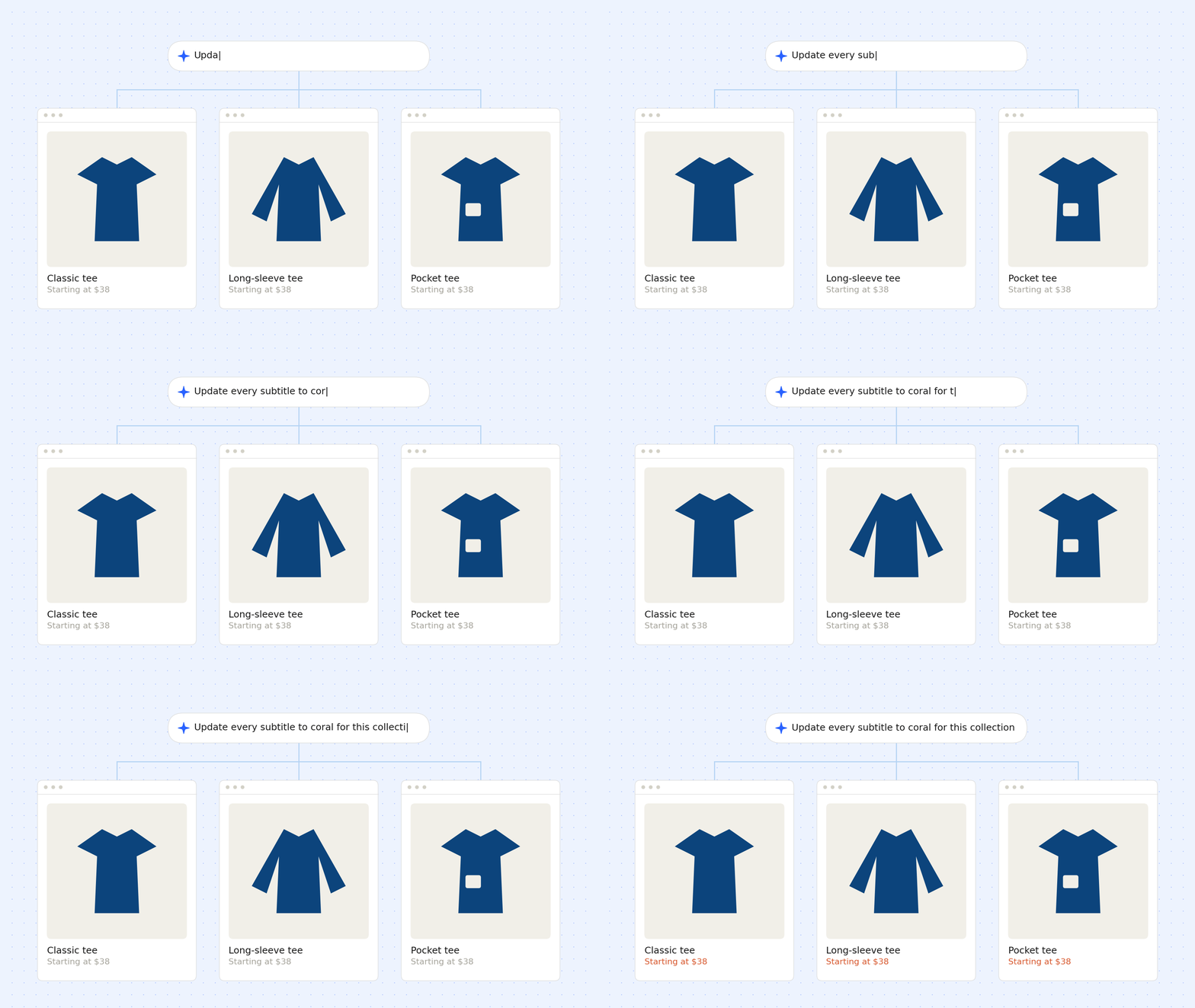
Changing one headline is easy, but changing copy across an entire product collection is less so.
We’ve seen brands use the Visual Builder to apply a specific color or updated text to the subtitle for every product in a target collection with a single prompt.
Build an announcement banner from the chat.
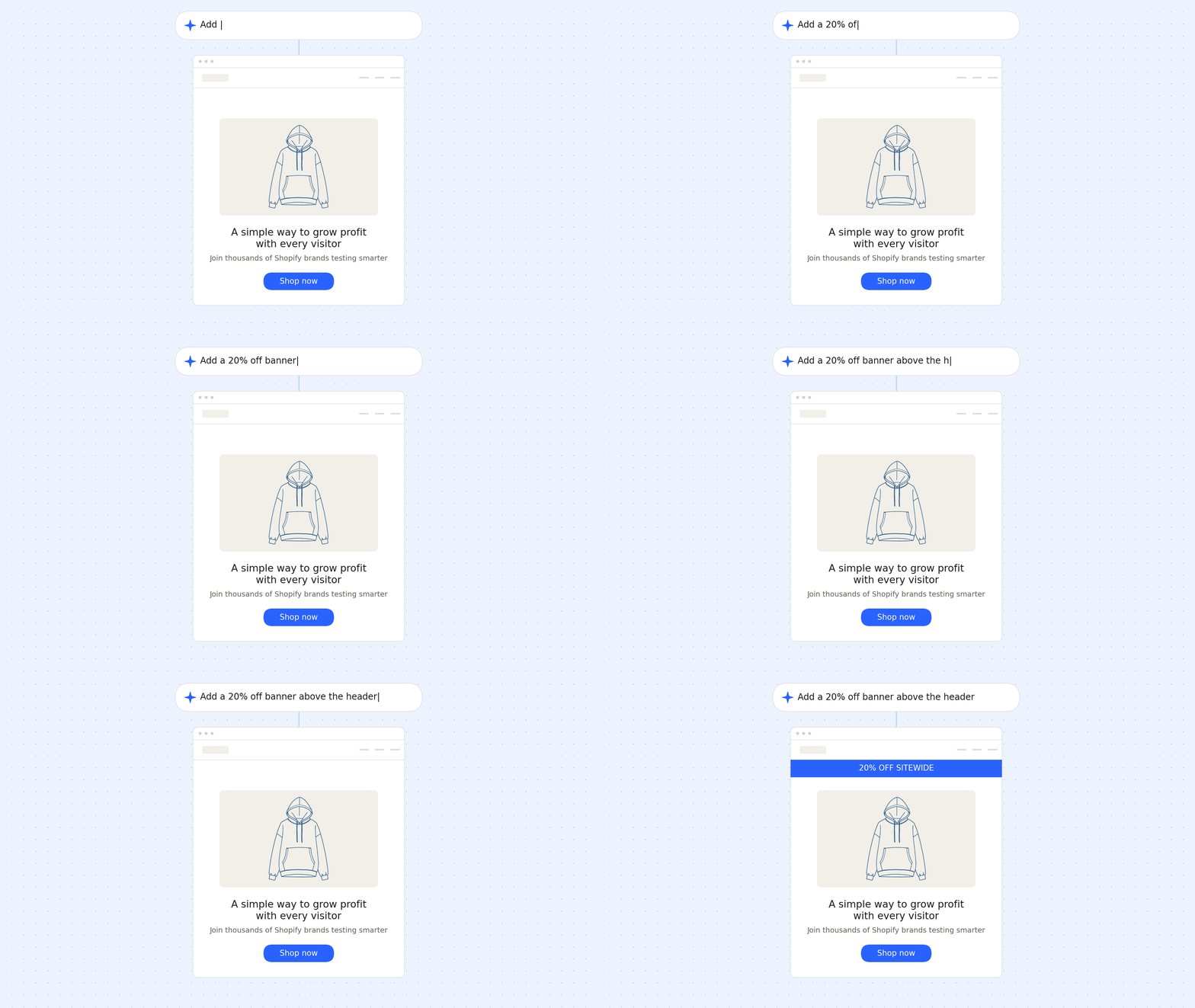
Brands have used the Visual Builder to add and style banners directly from the chat. You describe what you want and where, and the AI handles the HTML and CSS, automatically matching your existing fonts and colors, down to pixel-level spacing and padding adjustments.
"Other AI tools I've tried sometimes get it sort of right, but you still have to do a lot to make it feel on-brand […] sometimes it just looks horrific, like eye cancer. This actually used our brand colors and font. It's pretty good." — Charlotte Hamrin, Kind Patches
Build a shipping progress bar.
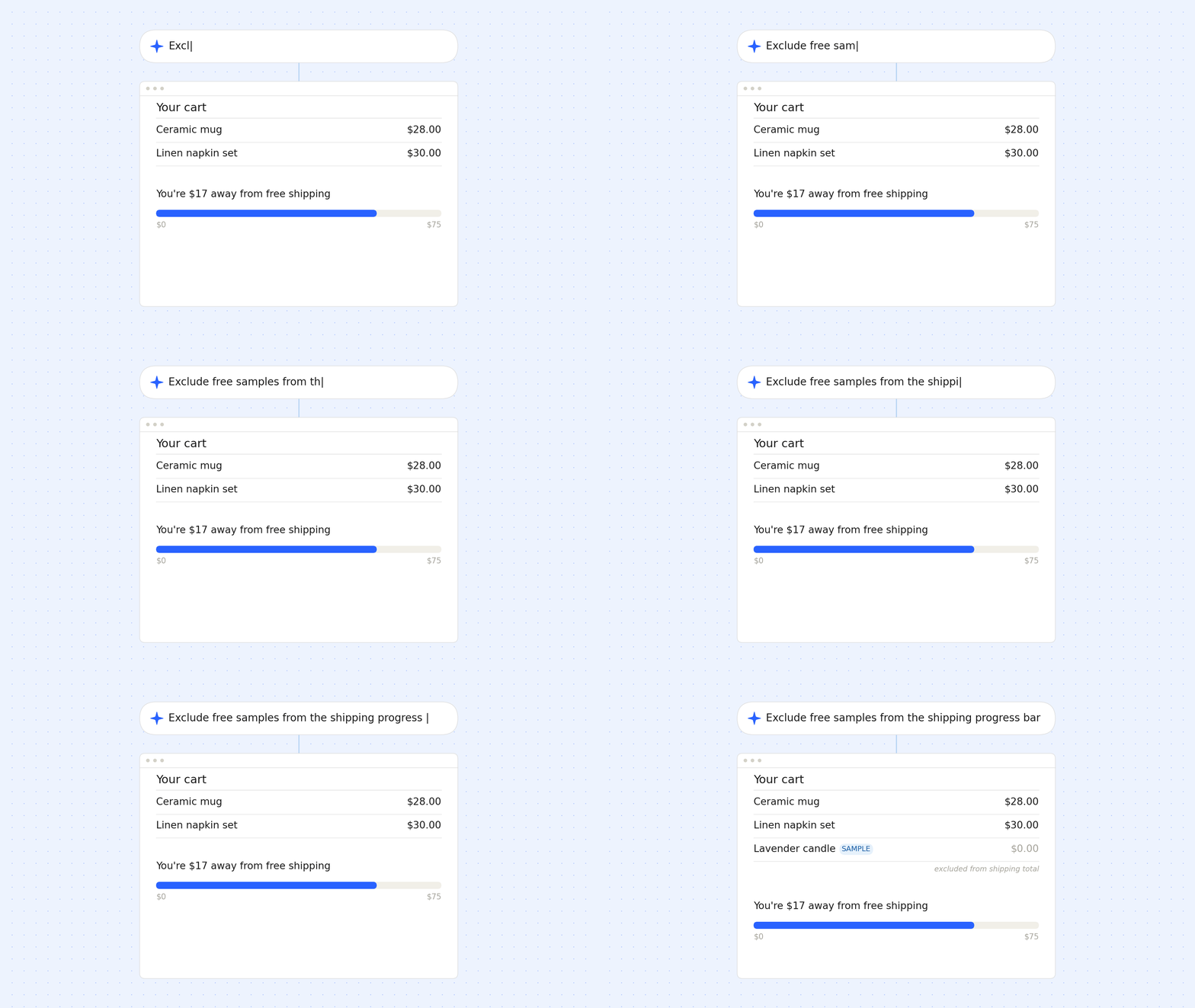
A brand needed a shipping progress bar that could distinguish their free-sample items from everything else in the cart, since samples always ship free and shouldn't count toward the threshold. A generic progress bar app was having trouble making that distinction.
The Visual Builder custom-built one that reads the cart live, excludes sample line items from the running total, and updates as a shopper adds or removes products.
Fix a layout conflict caused by a third-party app.
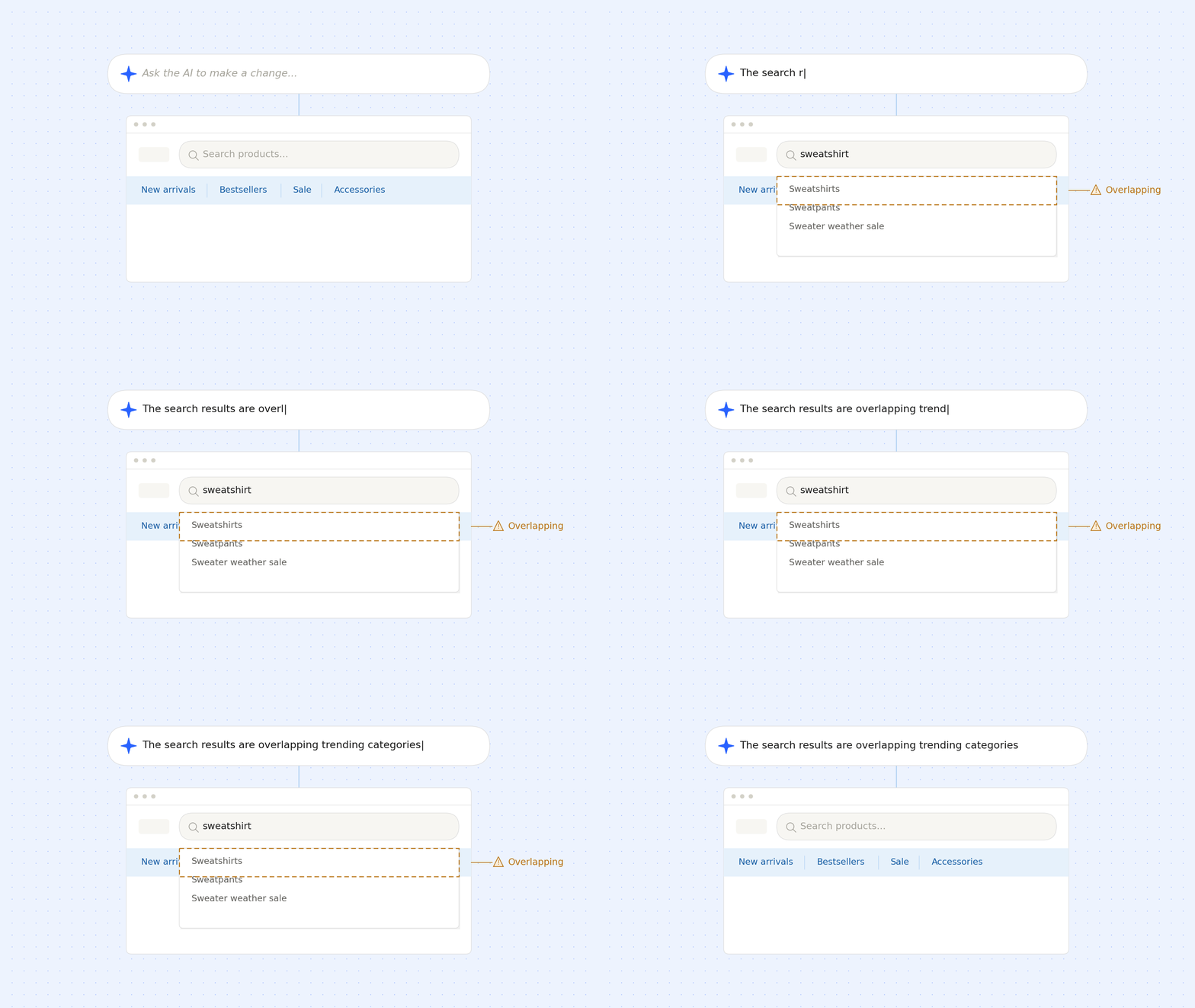
Searches, filters, and recommendation widgets often come from third-party apps and not the Shopify theme itself. When they conflict with something else on the page, the fix usually means digging through JavaScript.
One brand ran into this with their site search: a third-party search app's autocomplete results were overlapping a "Trending Categories" panel. The Visual Builder diagnosed the conflict, found a template bug along the way, and shipped a fix so the panel hides correctly when search is active and reappears when it's not.
Inject custom CSS and JavaScript.
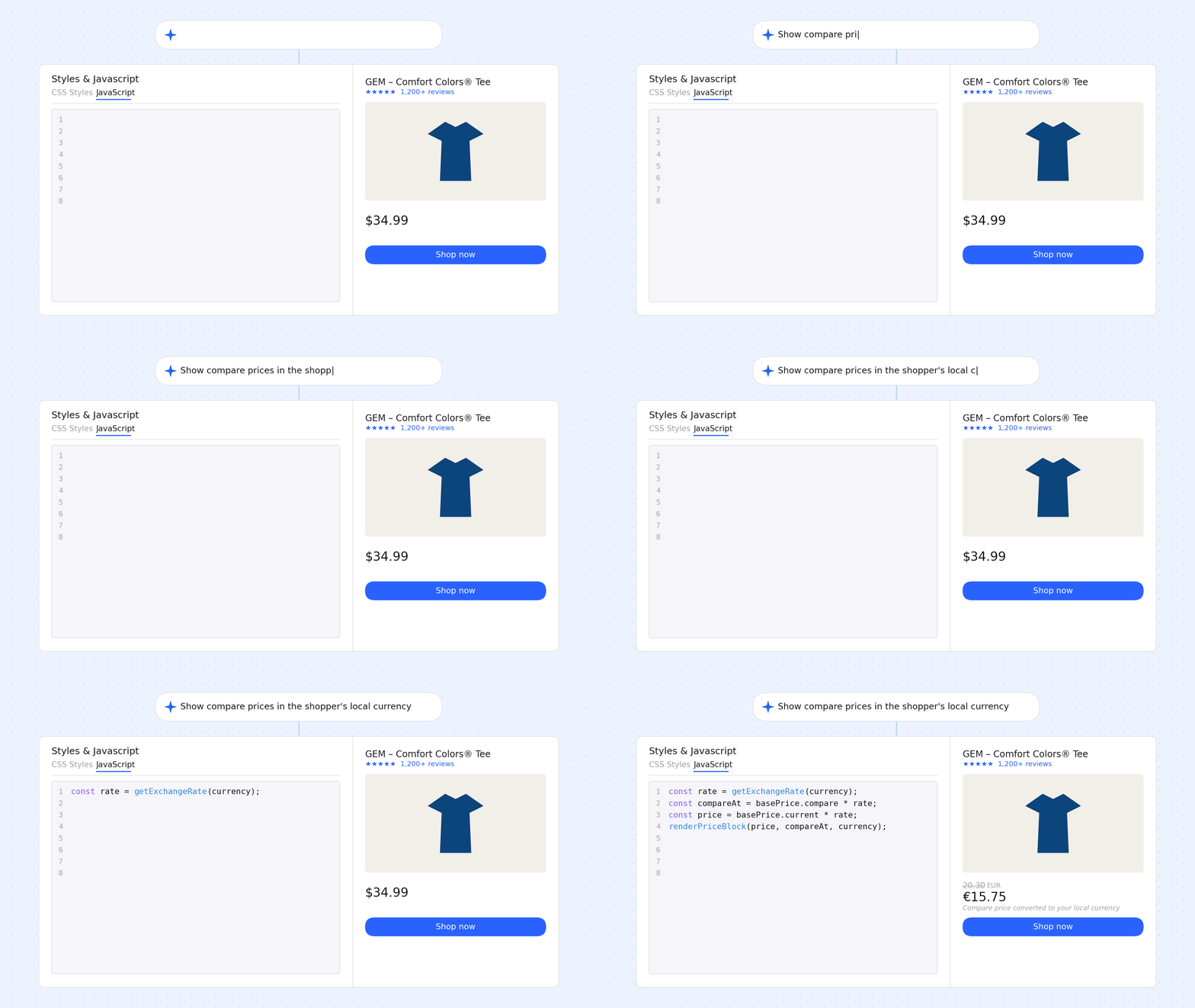
For the more technical brands on the platform, the Visual Builder effectively acts as an AI pair programmer for frontend code.
For example, a currency-aware compare price computation script, a piece of JavaScript that dynamically calculates and displays compare prices based on the shopper's currency.
Brands with a developer on staff are using this to move faster, and brands without a developer are using this to do things they couldn't do before.
What this adds up to:
The thread connecting all seven use cases is this: the gap between having an idea and shipping it is smaller than ever. A merchandiser spots a badge opportunity in the data. A marketer wants a banner live before a sale starts. Instead of opening a ticket and waiting on a sprint, they describe it and ship it.
For brands with a developer on staff, this frees them up to do the work a chat prompt can't do. For brands without one, it means testing ideas that would've sat in a backlog indefinitely.
If you're already on Intelligems and want to start experimenting, the Visual Builder is available in your onsite editing flow. If you’re unsure where to start, ask “What changes should I make to this home page?”
Want to learn how to run better onsite experiments alongside your AI-built components? Join GEM Academy, free courses and a community of brands sharing what's working.
Ecommerce Strategy
Campaigns
Expert Guide