Checkout Testing
Get Your Checkout BFCM-Ready in Under an Hour (Webinar Recap)
Checkout upsells, guarantees, and complete-the-set rules to test before BFCM, plus what to run in January.

Shailee Shah

Checkout is the last page a shopper sees before they buy. During BFCM, it's also one of the best places to add a little extra value, whether that's one more product in the order or one more reason to hit Pay now.
In our live session, Get Your Checkout BFCM-Ready in Under an Hour, our Product Marketing team walked through a checkout playbook, built a complete-the-set upsell live with Atlas, and shared what to carry into January. Watch the recording or skim the highlights below.
Two jobs at checkout
Checkout blocks let you add upsells, guarantees, reviews, timers, and FAQs to your Shopify checkout without a developer. Every block does one of two jobs:
Grow AOV by adding one more item to the order.
Keep shoppers moving so more of them complete checkout.
Some brands do best with several upsells at checkout. Others do better with no upsell and a trust badge that removes the last bit of doubt. If you're not sure which camp you're in, test upsells against trust badges and let the data decide.
Checkout blocks are part of Smart Checkout & Post-Purchase and are included on Unlimited plans. Checkout editing requires Shopify Plus. Post-purchase works on every Shopify plan.
Seasonal upsells move gift sets and holiday SKUs
If you're heading into BFCM with a gift set, a seasonal scent, or overstocked products, checkout is a strong place to move them. The shopper is already bought in, so a small discount on a relevant add-on is an easy yes.
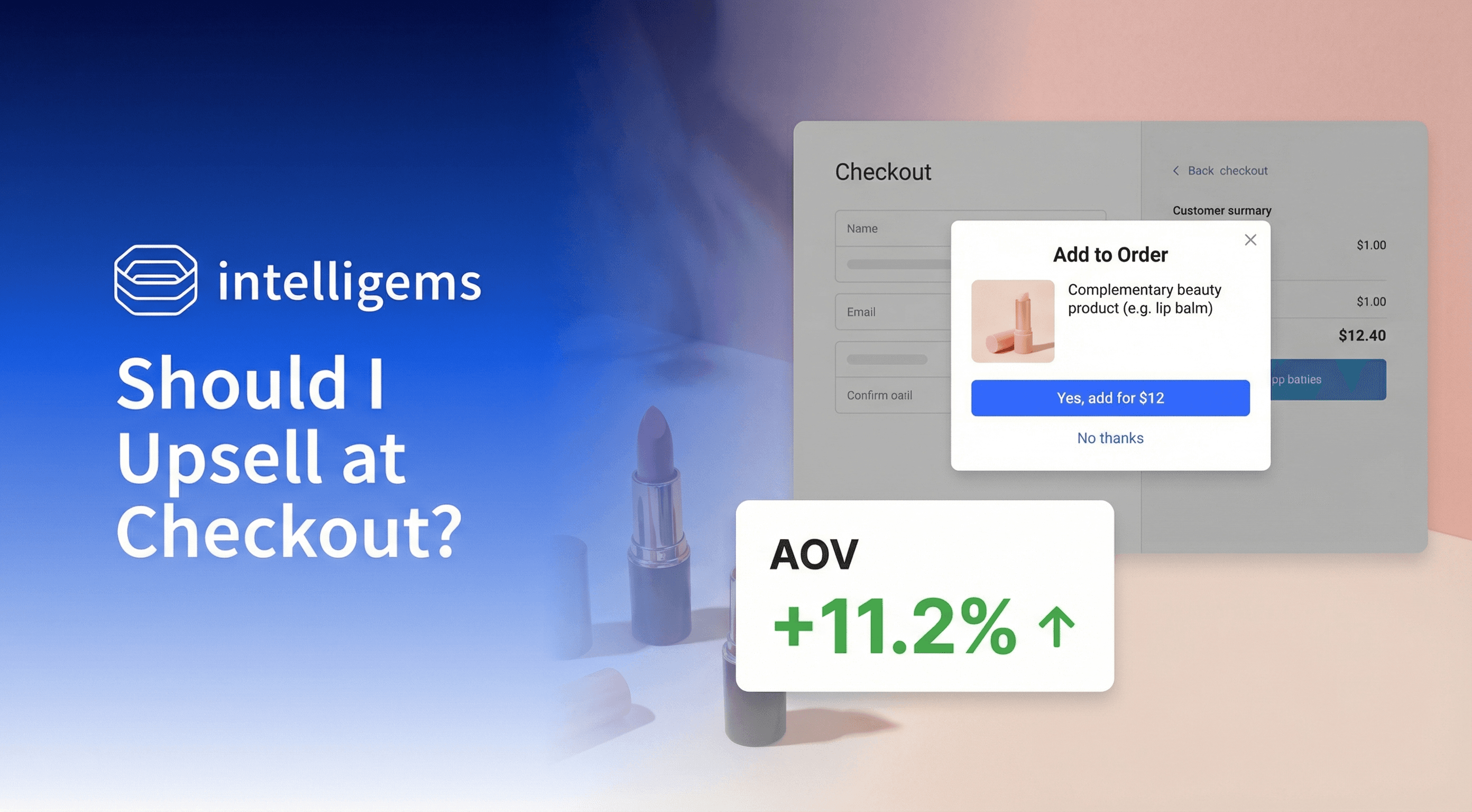
One brand tested three discounts on the same checkout upsell: 20%, 25%, and 30% off. At 30% off, the share of orders that included the upsell rose from 4% to 6%, and revenue per visitor was up 11% compared to the 20% offer.
The takeaway is that you can test the number and pick a winner based on the metric you care about most, whether that's AOV, revenue per visitor, or profit per visitor.
Idea to test: Your seasonal collection as a checkout upsell at 20% off vs. 30% off.
Guarantees under the Pay now button close the deal
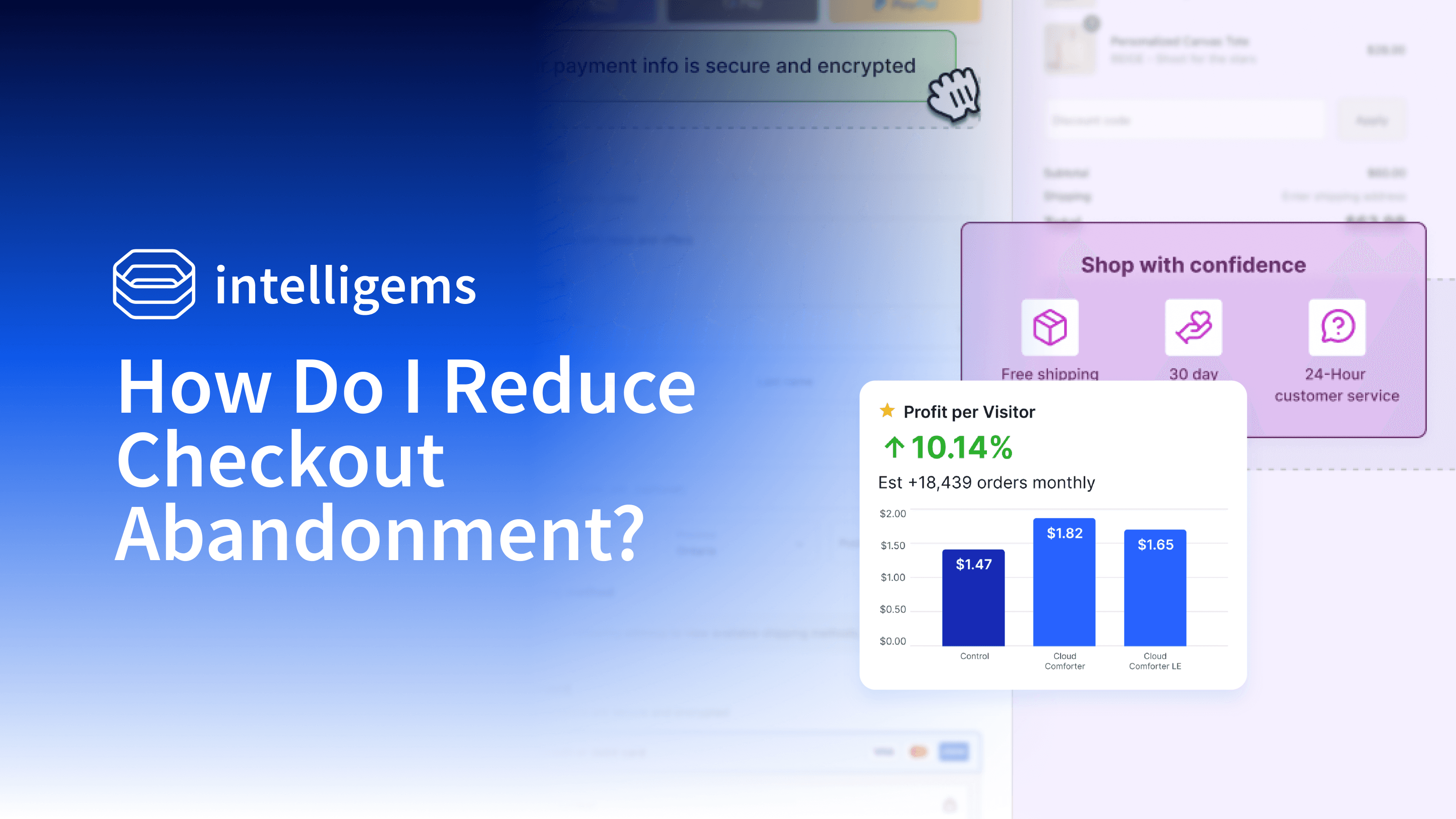
Most brands already show their return policy or shipping promise on the product page. Repeating it right under the Pay now button ensures shoppers see it when they decide.
This matters more during the holidays. Gift shoppers want to know the recipient can return or exchange what they bought. You can also make the copy gift-specific, like calling out an extended holiday return window.
A wellness brand had a money-back guarantee on their site, but not at checkout. Adding a callout for it at checkout raised conversion rate by 8%.
A few ways to stack this:
Pair a trust badge with the new FAQ block to answer holiday shipping questions in a one-line dropdown.
Add a top review for your hero product.
Add a countdown timer for the last few days of your sale.
Idea to test: A trust badge under the Pay now button vs. no badge, for mobile visitors only.
Complete the set upsells without the if/then logic
Many products work as a set: cleanser, serum, and moisturizer, or sweatpants, socks, and a sweatshirt. A "complete the set" upsell at checkout reminds shoppers what's missing.
One skincare brand added a "complete the routine" moisturizer callout at checkout, with no discount. Conversion rate went up 7% and revenue per visitor went up 10% across more than 5,600 orders.
The hard part used to be the logic. With 50 shirts, 30 sweaters, 15 sweatpants, and a range of sizes, a manual if/then setup gets complicated fast. It's easy to fall back on basic recommendations that suggest something out of stock in the shopper's size.
With Product Recommendation Rules, you write the rule in a sentence. Here's what we built live:
In Rules (left nav, currently in beta), pick one of the six templates or write your own. Our rule: "If a cart has testing products, recommend the missing testing products. If all of those testing products are in the cart, show best sellers instead."
Answer Atlas's setup questions, like which products make up the set, what order they should appear in (in stock, low to high price), and what to show as a fallback (best sellers, or hide the block).
Preview the rule against example carts. A cart with only the testing mug showed the testing car magnet and testing hardcover notebook.
In Checkout Experiences, create a new checkout experience, choose Upsell, pick a test or personalization, choose a layout like product tiles, and select your rule. Add a discount if you want one, then preview it.
One rule set for the whole funnel
Rules can be reused across your product page, cart, checkout, and post-purchase. Shoppers want different things at each step, so it helps to give each one its own rule:
Product page: more of the same in the shopper's size and price range.
Cart: lower-priced add-ons.
Checkout: top accessories, or a stocking stuffers section of one-size items.
Post-purchase: more stocking stuffers or sale items.
We covered the product page and cart upsells in our Smart Merchandising for BFCM webinar recap.
Important to remember: test mobile and desktop separately
Shopify places checkout blocks differently on mobile and desktop, so a block won't always look the same on both. Run mobile-only and desktop-only tests or personalizations. Start with mobile, since it's likely most of your traffic.
On styling: product page and cart upsells can be fully styled to match your brand. Checkout has more Shopify limits, but you can still set copy, border width, and color, and the new rich text editor supports bold, italics, and links.
What to run in January
Compare new vs. returning visitors. Ask Atlas or the Intelligems MCP how your checkout blocks performed for each group, then build a follow-up test for the one that responded best.
Retest close calls. January shoppers are different from Q4 shoppers. For end-of-season sales, test your discount levels instead of jumping straight to 30% or 40% off.
Swap holiday copy. Update "stocking stuffers" upsells and holiday return messaging back to your standard offer.
Keep what worked. If a holiday shipping trust badge lifted conversion, find a reason to run it year-round.
Ask for next steps. Prompt the MCP to review all your November and December personalizations and suggest what to test in January.
Your next steps
Pick one block, like a trust badge or an upsell.
Launch it as a test against your current checkout, even for just a few days.
Run mobile and desktop separately.
Use what you learn to finalize your Black Friday checkout, then plan what replaces it in January.
Want a second set of eyes on your checkout block before it goes live? Reach out to your CSM or our support team, or connect via Slack from the Integrations tab.
Next up, we're covering post-purchase on Tuesday, November 10. Save your spot here.
Want to build a holiday offer strategy where every test teaches you something for next year? Join GEM Academy for free courses and a community of brands sharing what's working.
Campaigns
Discounts
Product Updates